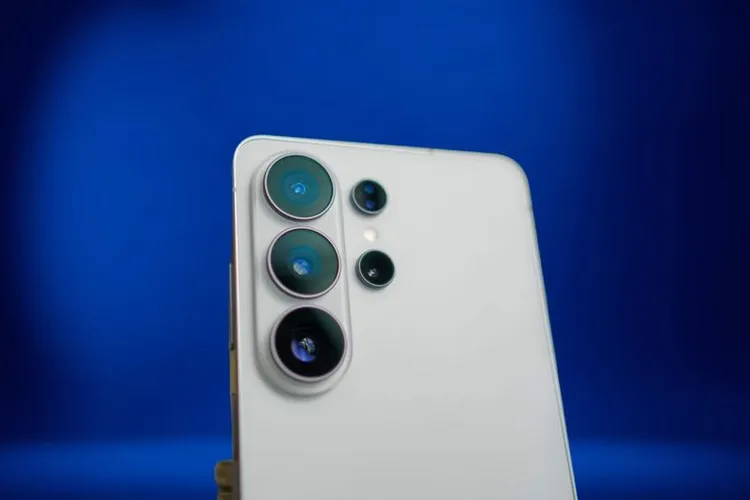
Samsung rolls out One UI 9 (Android 17) to the Galaxy S26 series
- News
- Rocks on Galaxy
- Tech
- 16 Sep, 2026
- 1
After months of beta testing, Samsung has begun rolling out the stable One UI 9 update to the Galaxy S26 series. The major update brings One UI 9's changes and also moves devices to Android 17.
One UI 9 first shipped in stable form on the Galaxy Z Fold 8 and Z Fold 8 Ultra in July, but beta builds have been running on the Galaxy S26 since May.
What's new in One UI 9
The update is pitched as a way to stay focused, tailor the information you see each day, and manage device care more easily. Highlights include:
- Now Brief gains generative, editable cards (health, weather, video recaps) for a less cluttered daily briefing.
- Now Nudge, Samsung's take on Google's Proactive Assistance, surfaces contextual shortcuts inside messages (add an event, pull up a reservation or an address).
- Smarter document scanning that straightens curved pages, fixes folded corners and cleans up fingers with an improved Finger Eraser tool.
- Voice Recorder: AI transcript summaries now format notes with headings and tables.
- Interpreter: messaging-style Thread View, plus lower translation latency in Conversation Mode, especially with Galaxy Buds.
- Security: alerts (malware, sketchy sideloaded apps) feed into Now Brief, expanded scam-call detection, and flags for background apps pinging suspicious permissions.
- Hardware support built into Settings: warranties across linked Galaxy devices, diagnostics, repair estimates and Samsung Care+ management.
How to download One UI 9
To check for the update on your Galaxy S26:
- Open the Settings app.
- Scroll to Software update and tap it.
- Tap Download and install (or Check for updates).
- The phone downloads and installs the update, then offers to restart or schedule it for later.
Samsung typically starts the rollout in Korea a few days before other markets.